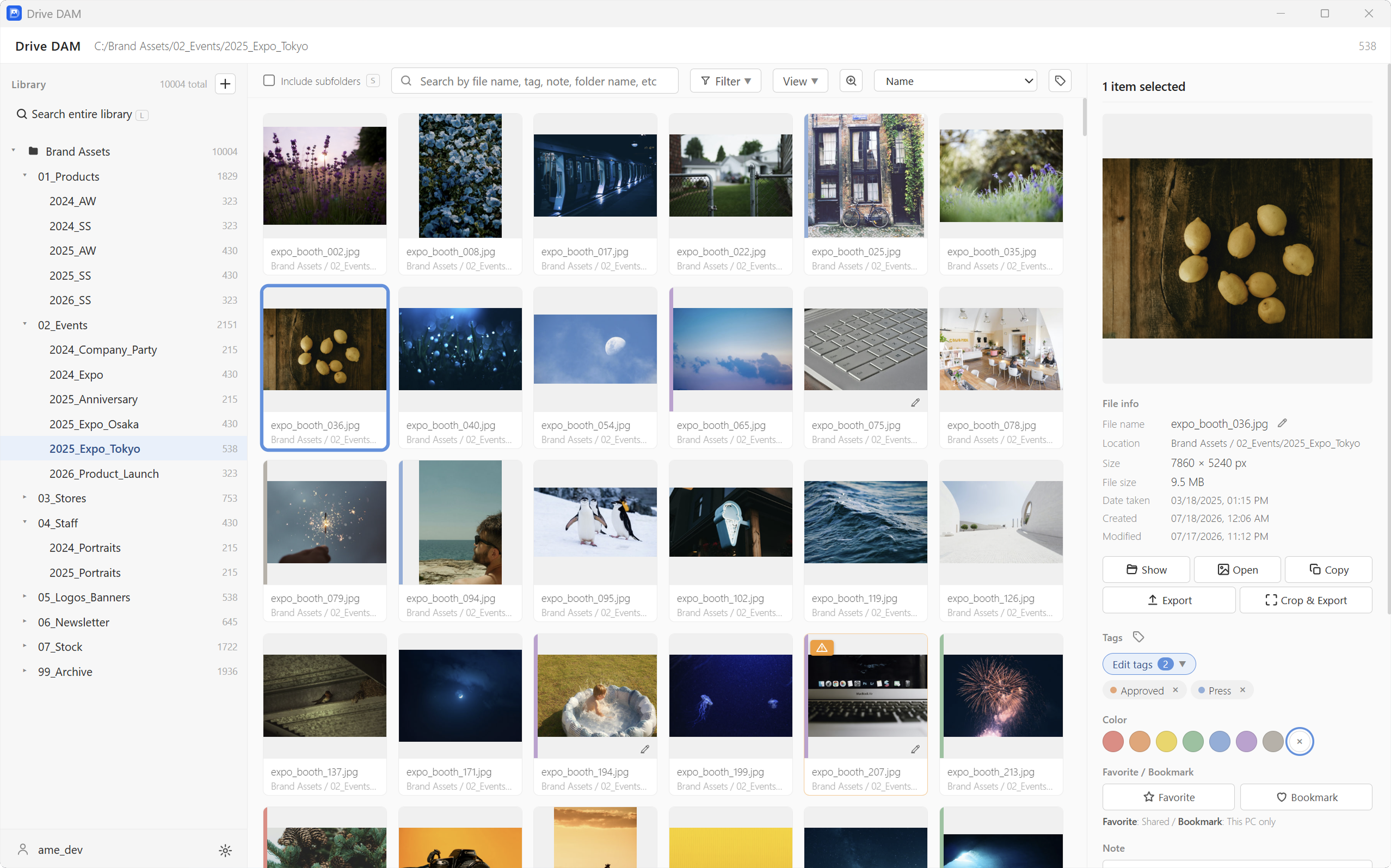
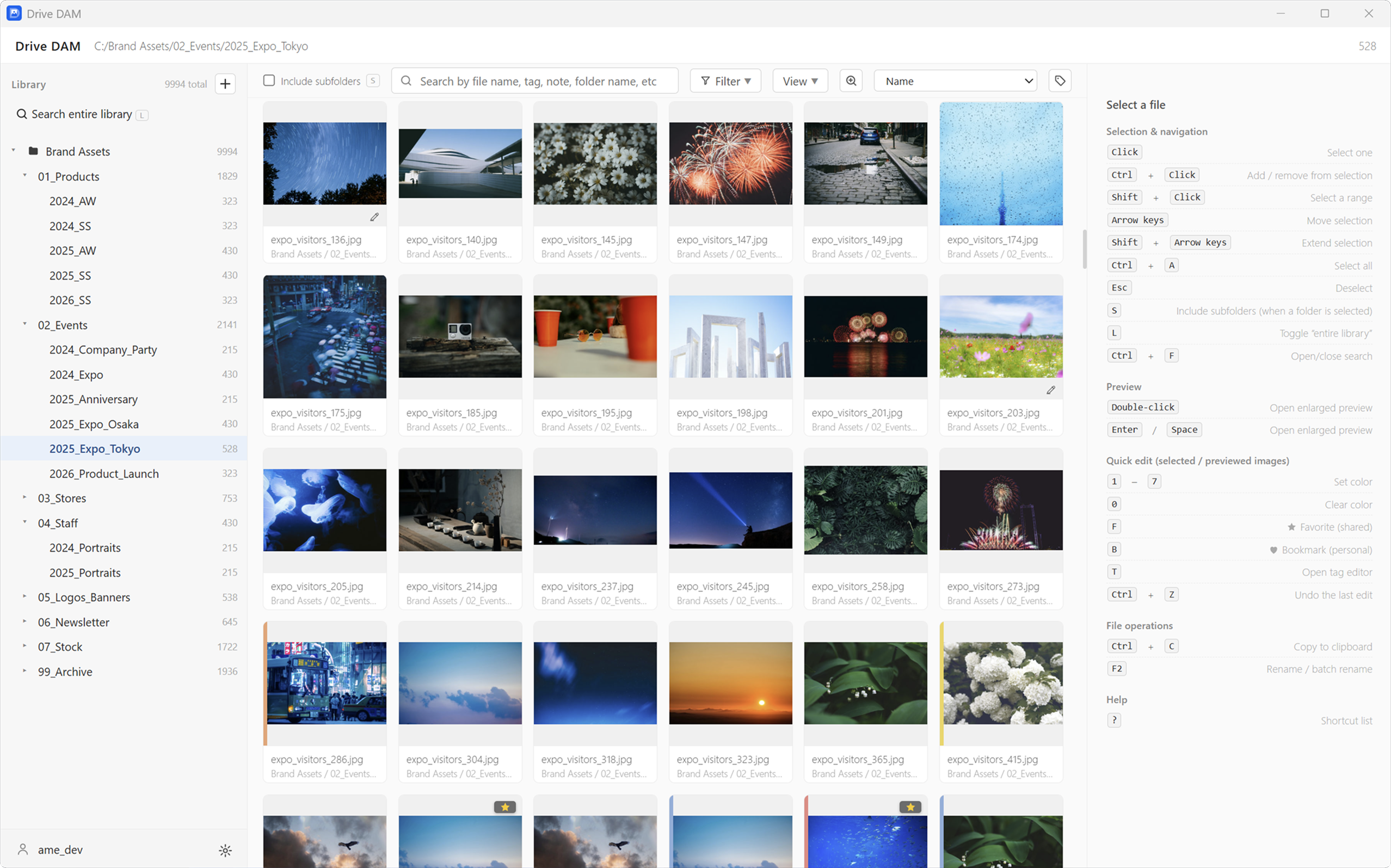
Instant thumbnail browsing
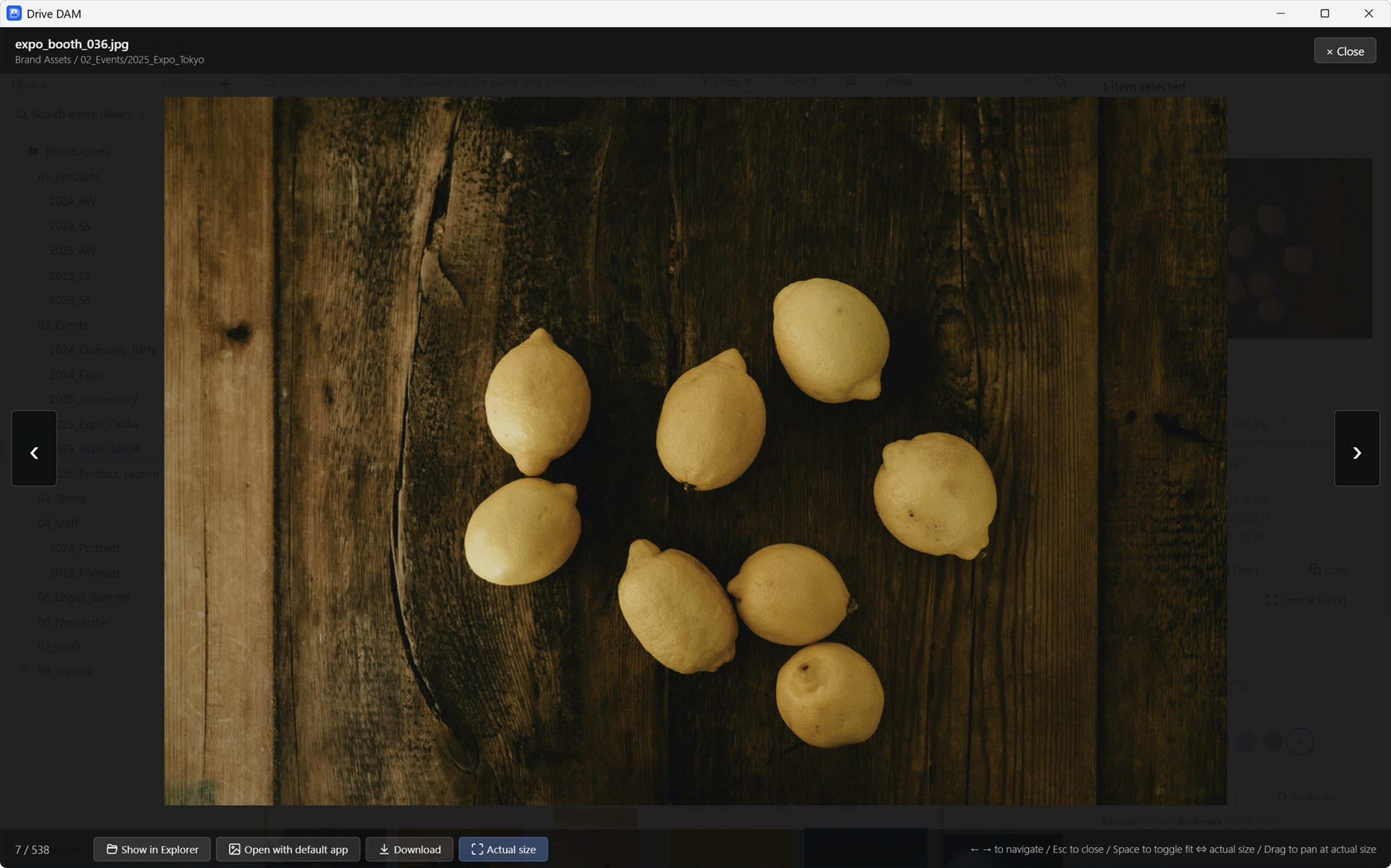
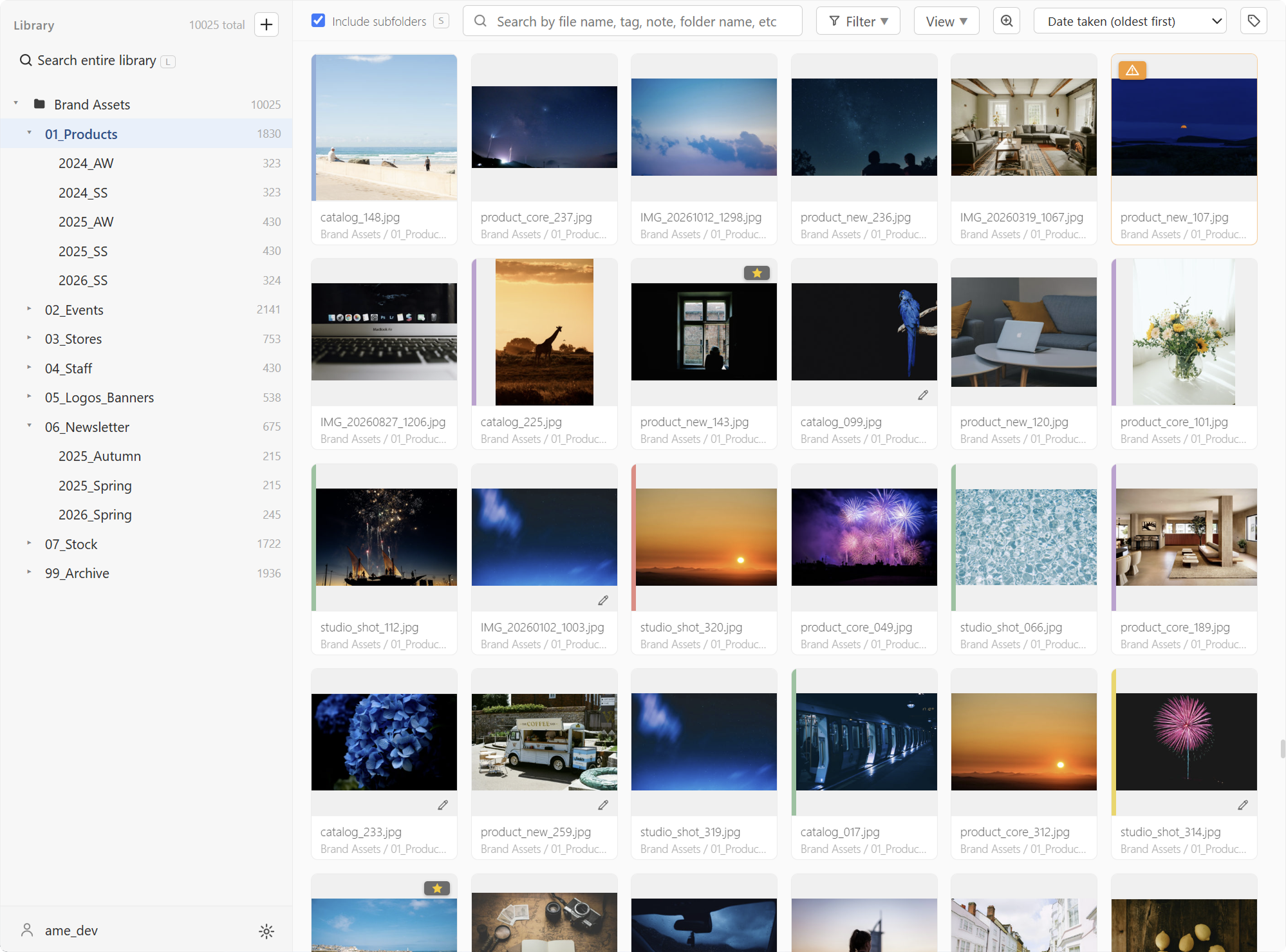
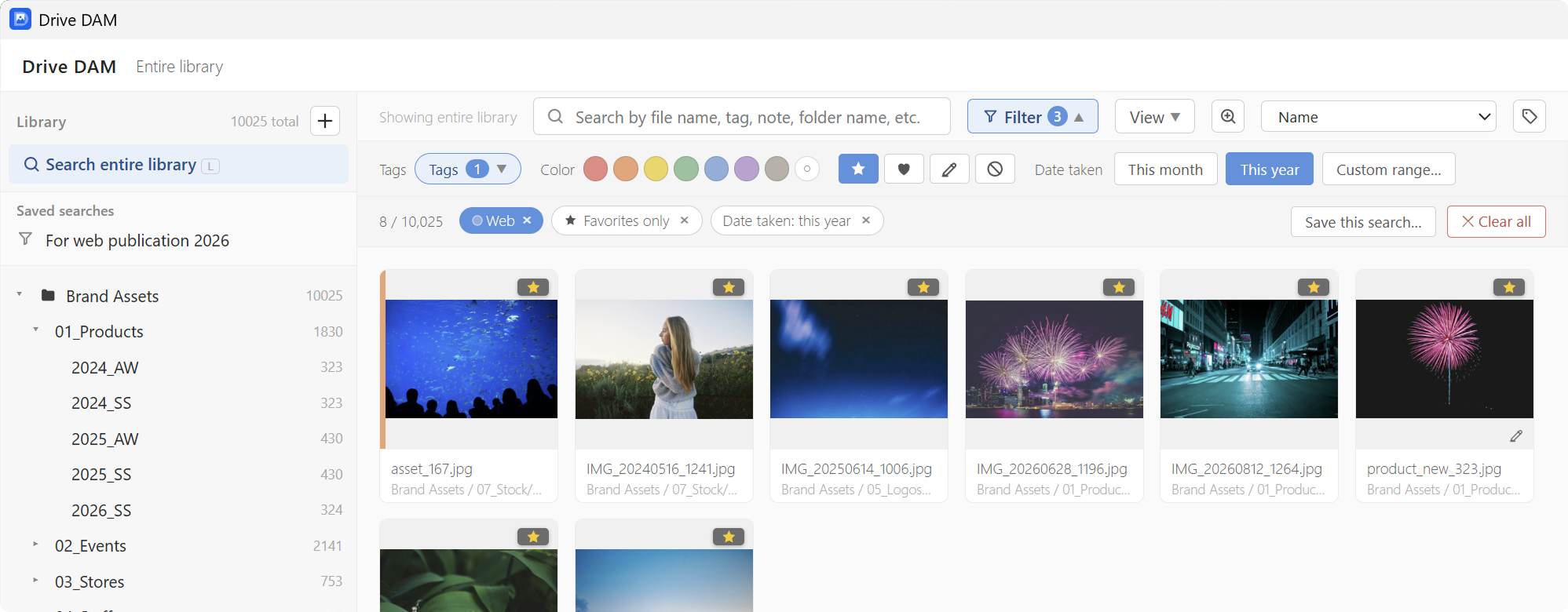
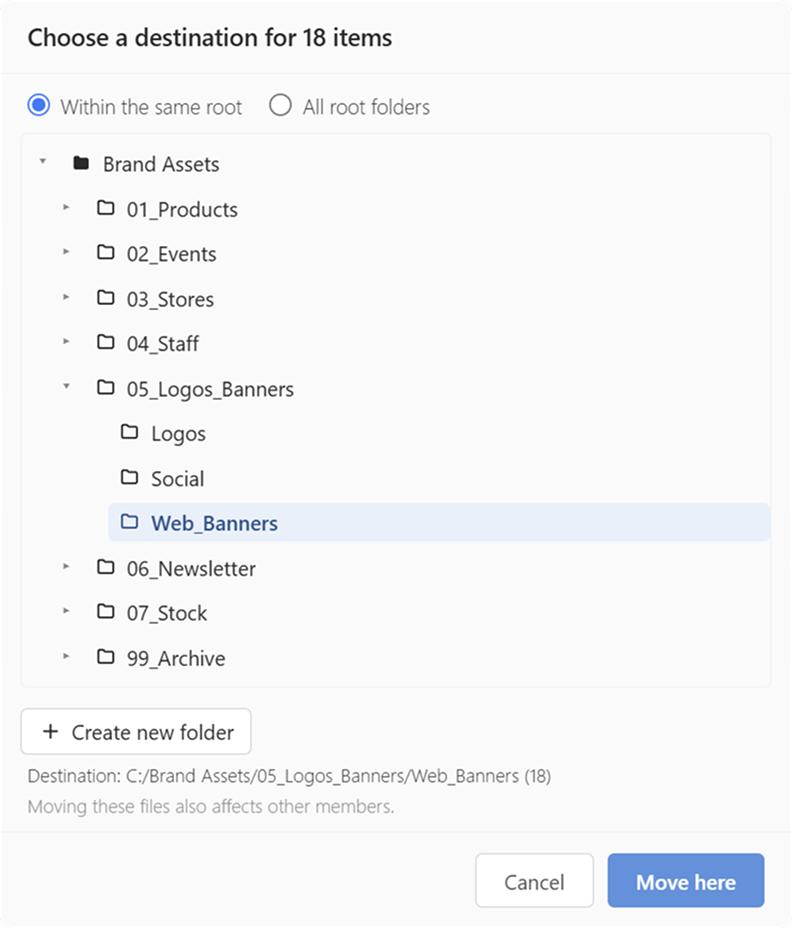
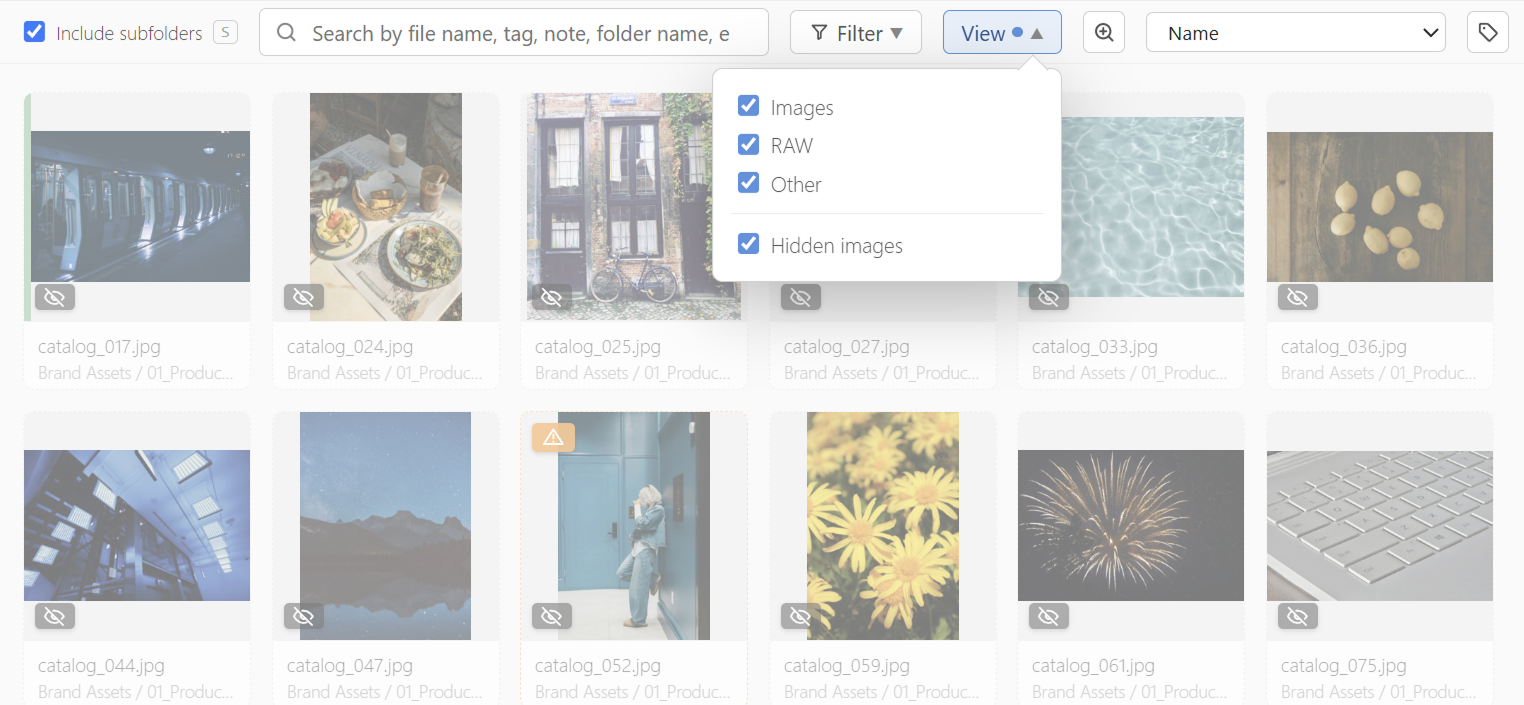
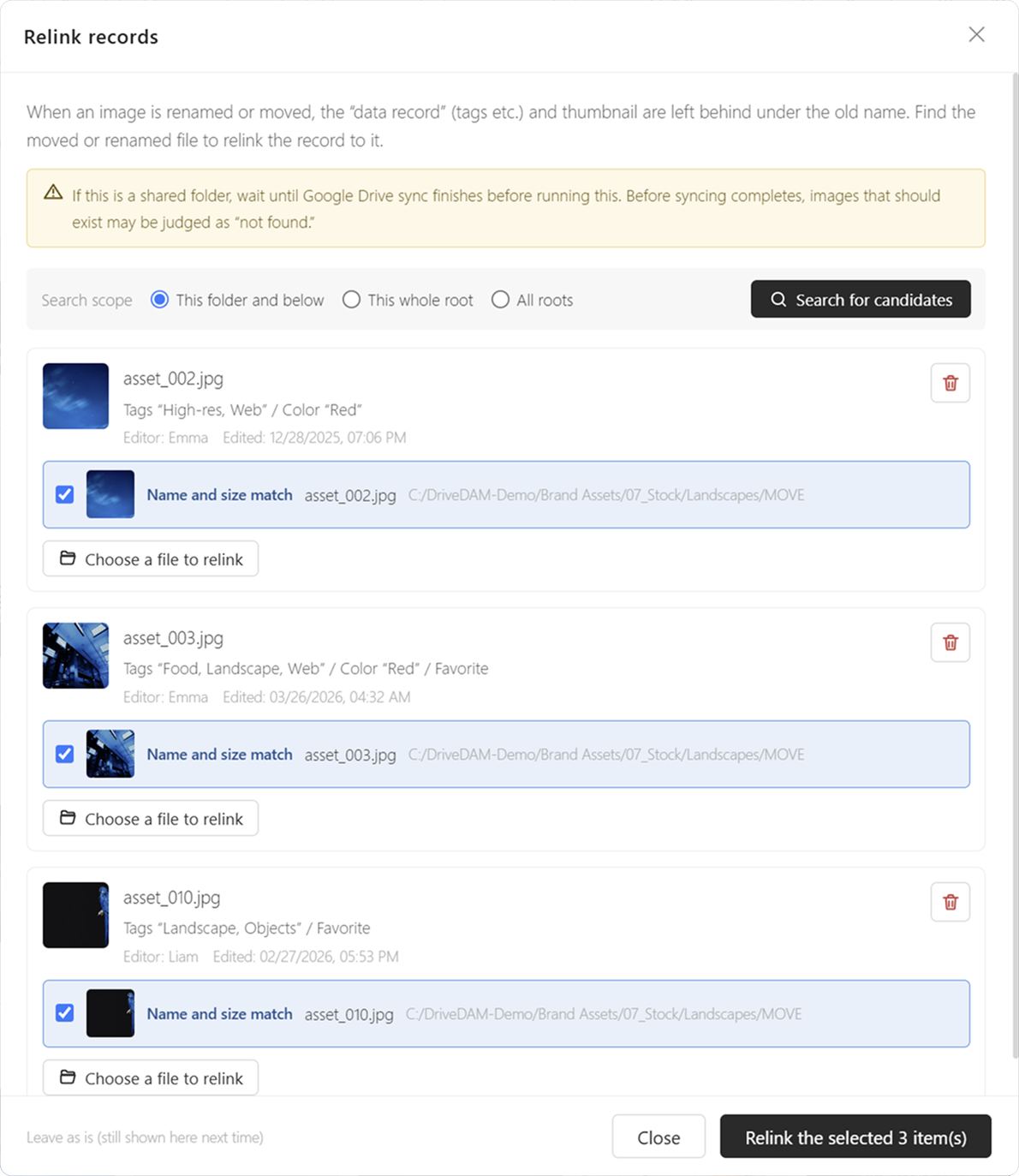
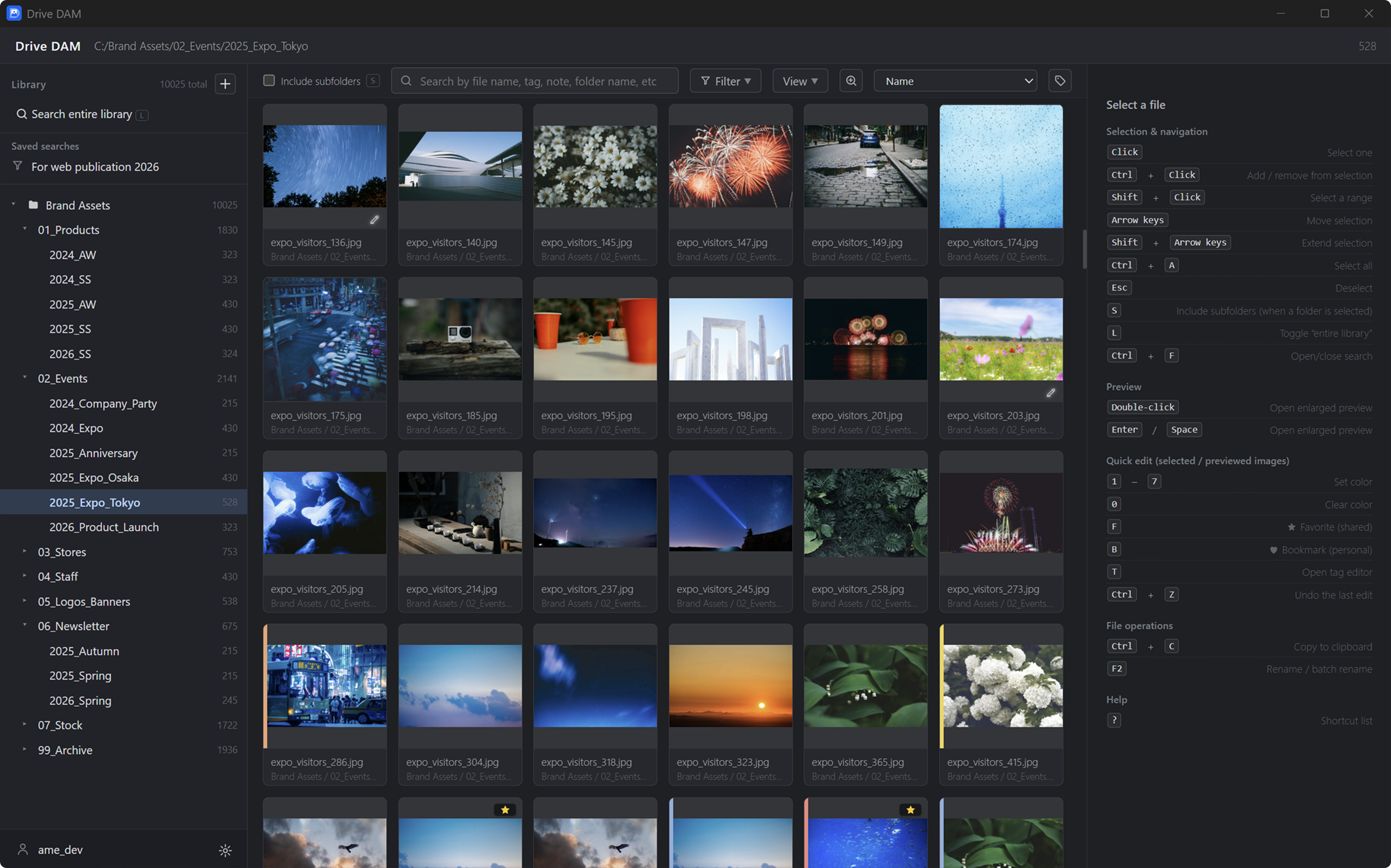
Even folders with tens of thousands of images open ready to browse. When a folder is first registered, Drive DAM generates thumbnails and copies them locally — that is what keeps browsing fast. Teammates reuse the same thumbnails, so everyone searches and works efficiently.
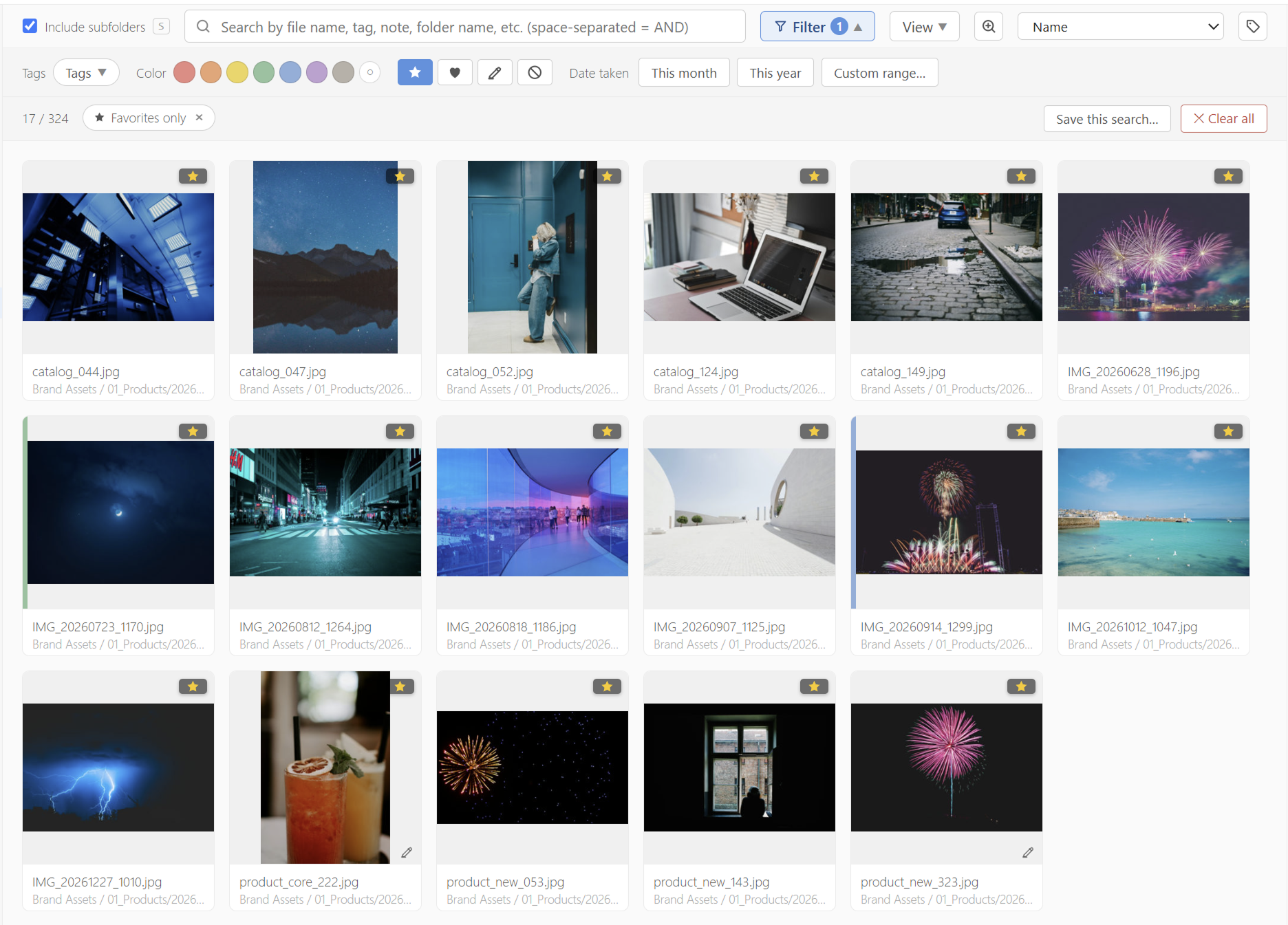
Filter and search
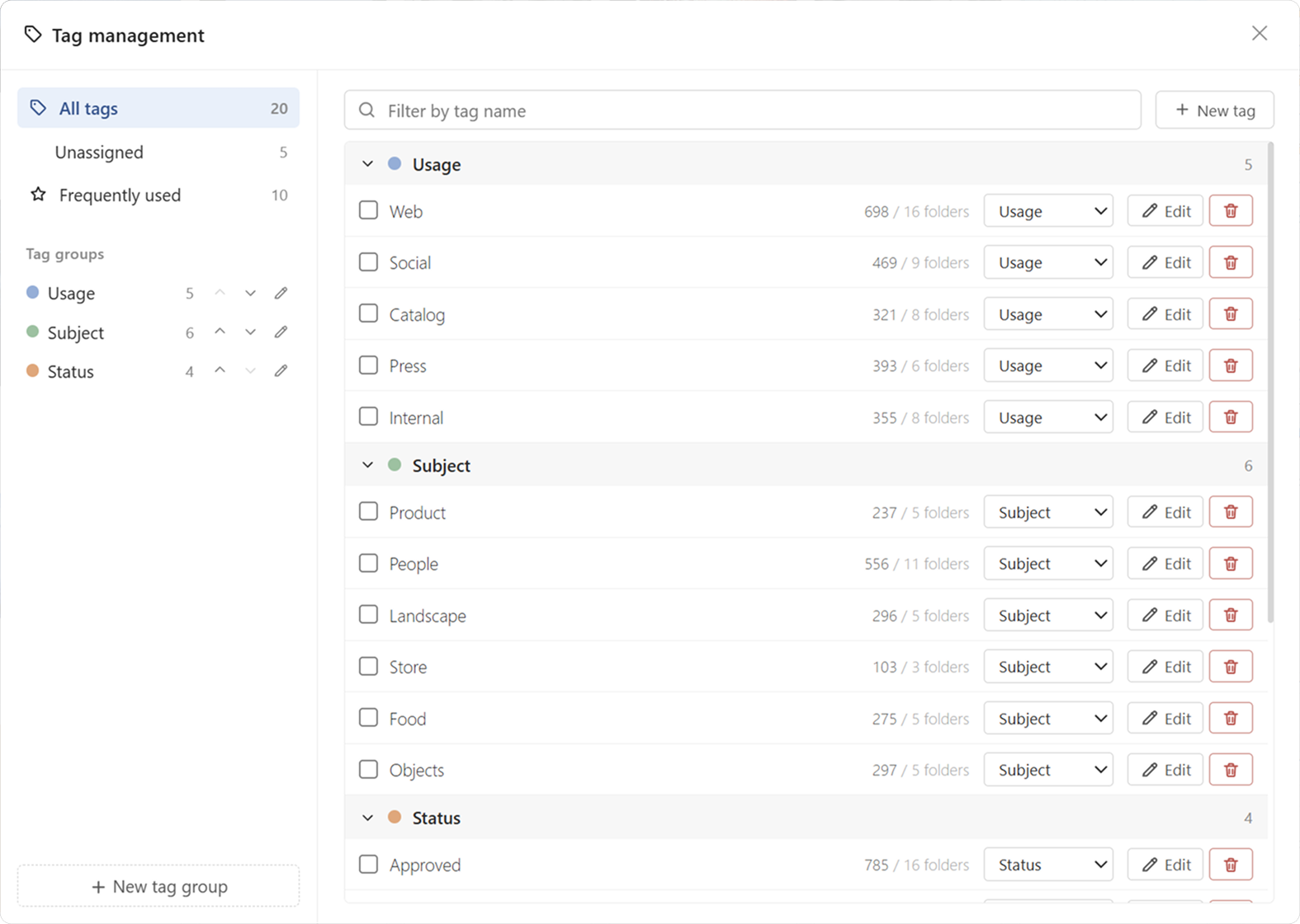
Search and filter by keyword, tag, color, shoot date, usage terms, favorites, and more. File paths are searchable too, so even a folder-name fragment can lead you to the image.
Note: text recognition inside images (OCR) is not supported.
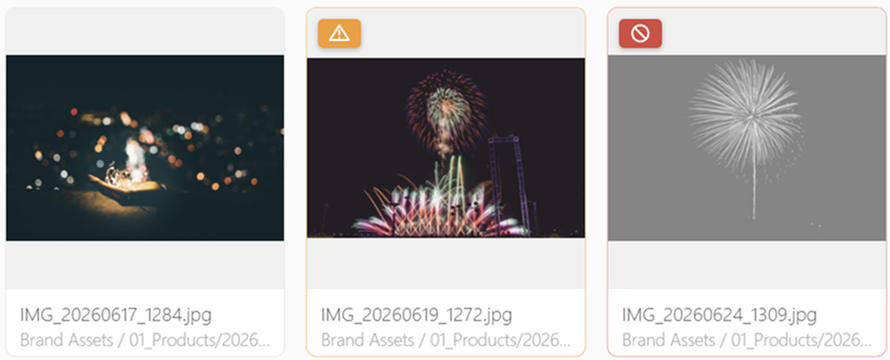
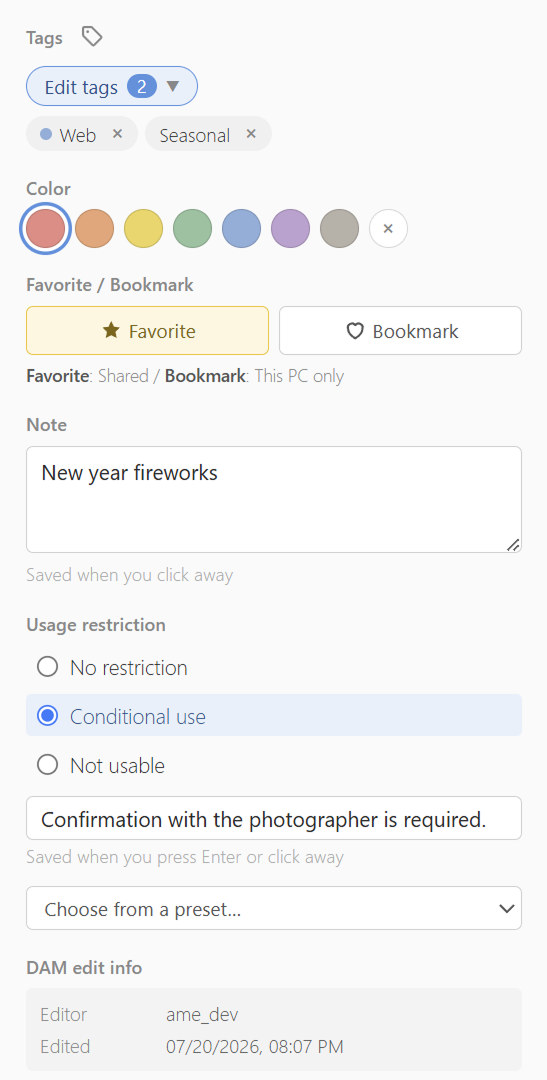
Tags, colors, and usage terms — shared with your team
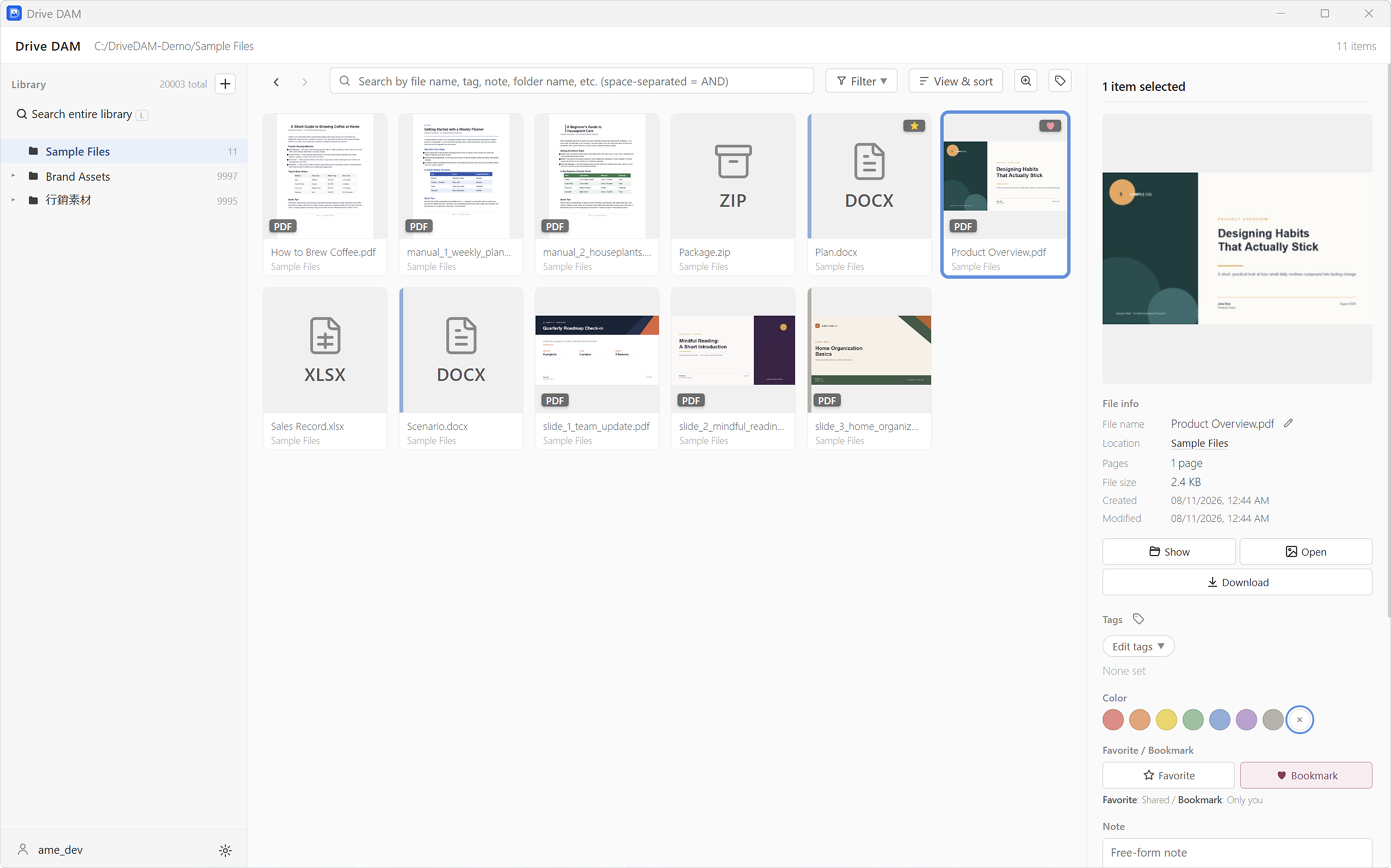
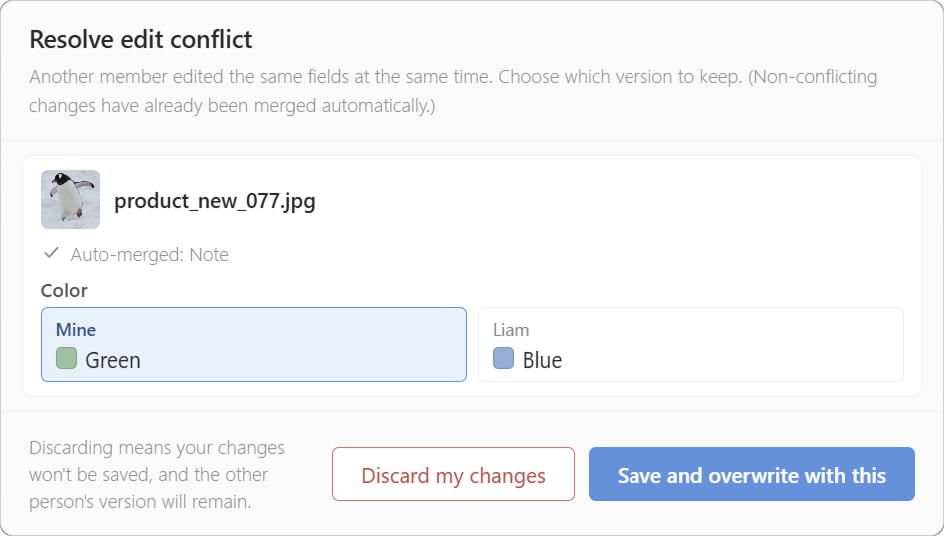
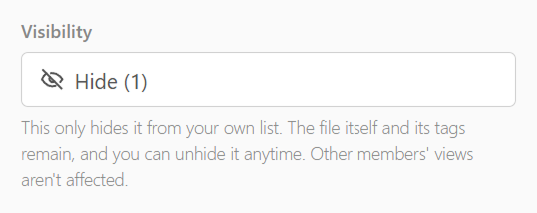
Tags, notes, and other metadata are available to every member through the shared folder. Usage terms — permission required, do not use, and so on — are shared as well, preventing mistakes before they happen. You can also keep private favorites that stay yours alone.
 Drive DAM